
SJA Student Secures Third Place in Inter-School Cross Country Championship…
Dear Parents,
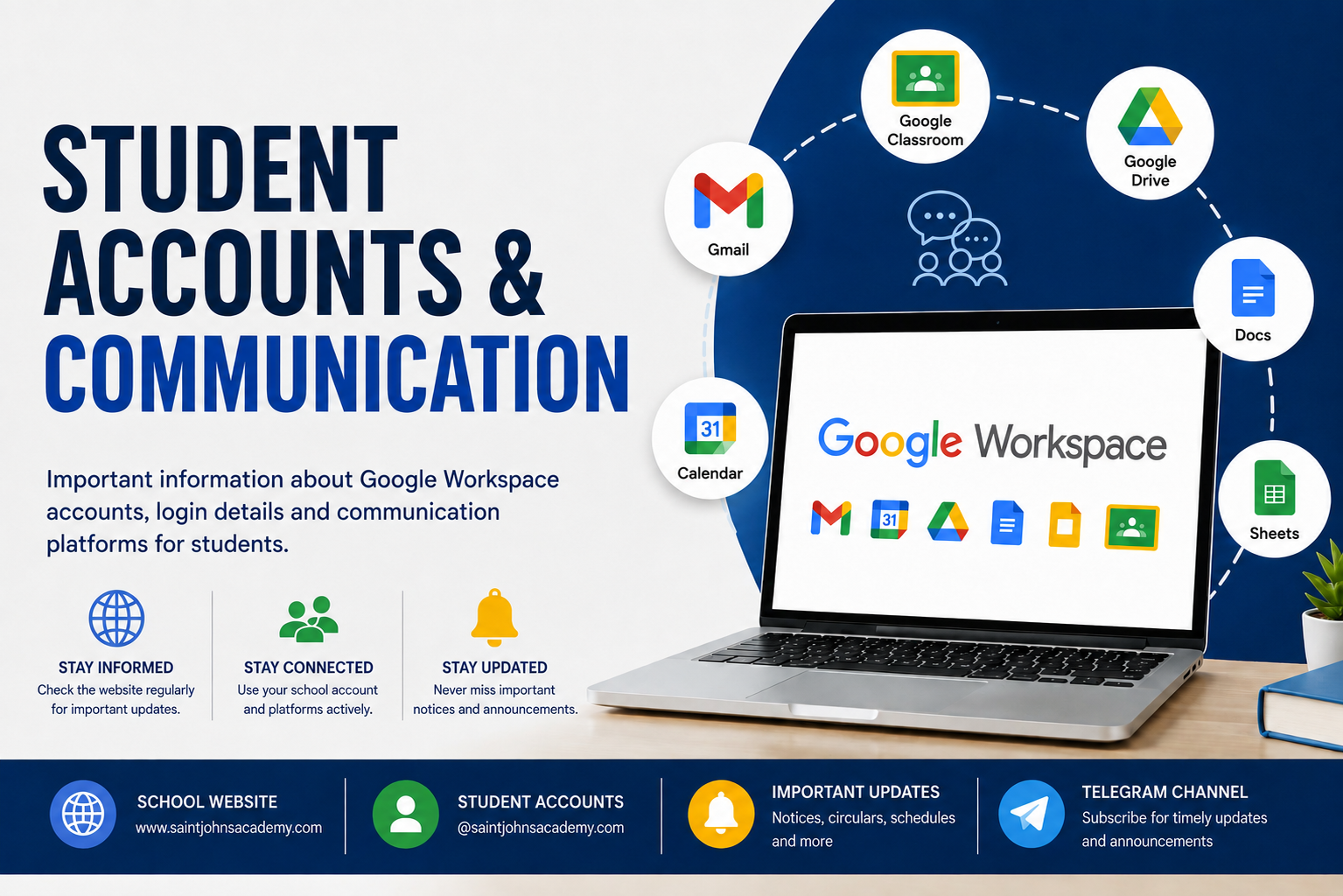
This is to inform all parents, especially those of newly admitted students, that the school uses its official website and Google Workspace platform as important channels of communication for academic and administrative purposes.
Parents are requested to regularly visit the school website:
www.saintjohnsacademy.com
Important information such as notices, circulars, examination schedules, holiday announcements, event updates, results, assignments and other instructions are uploaded on the website from time to time. Regular monitoring of the website will help parents and students remain informed about school activities and academic requirements.
The school also provides every student with an official Google Workspace account ending with @saintjohnsacademy.com. These accounts are used for various educational purposes including:
• Google Classroom
• Online assignments and submissions
• Sharing of study material and worksheets
• Communication from teachers
• Online classes and collaborative learning activities
• Access to Google educational tools and services
Parents are advised to ensure that students regularly check and properly use their official school Google account. Students should use only the school-provided account for all school-related online activities.
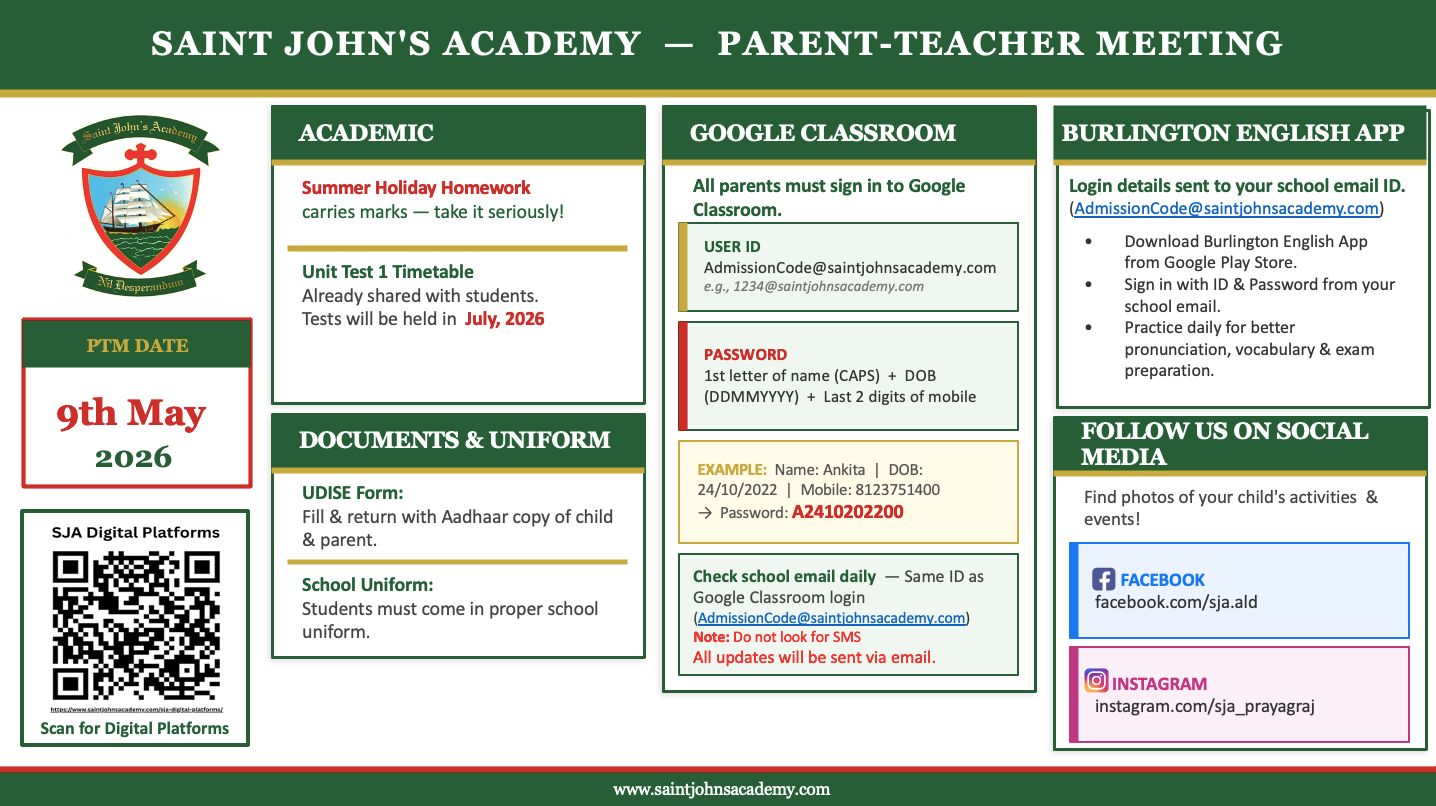
The username format for student accounts is generally:
admissionnumber@saintjohnsacademy.com
The password format is as follows:
• First character of the student’s first name in capital letter
• Date of birth in DDMMYYYY format
• Last two digits of the registered father’s phone number
In case the father’s phone number is not available in the school records, the last two digits of the registered mother’s phone number will be used.
Example:
If the name of the student is Rakesh Kumar, date of birth is 10/01/2005 and the registered father’s phone number ends with 21, then the password will be:
R1001200521
Parents are advised to help students keep their passwords secure and change the password after first login if instructed by the school.
Detailed instructions regarding activation and use of the student Google Workspace account are available under the “Google Workspace Accounts for Students” section on the school website.
In order to facilitate communication and timely updates, students are encouraged to install the Telegram application and subscribe to the official SJA Telegram channel.
Telegram Channel Link:
https://t.me/joinchat/AAAAAEb7IwuyluBRZLJ2cg
Your cooperation and support in monitoring these platforms will greatly help in the smooth conduct of academic activities and effective communication between the school and parents.
Principal
Have questions or need more information about Saint John's Academy? We're here to help. Reach out to us via email, phone, or visit our campus. We look forward to hearing from you!